Sidebar filters, pinned files, and folding headings
Narrow the sidebar by type, sheet category, section, label, and status, and pin the files you keep returning to at the top of it. Headings fold away in documents and sheets, and images can be downloaded.
Sidebar filter
This release is about getting around a large project: a filter that narrows the sidebar to what you're looking for, and a pinned list at the top of it for what you open every day.
Sidebar filter
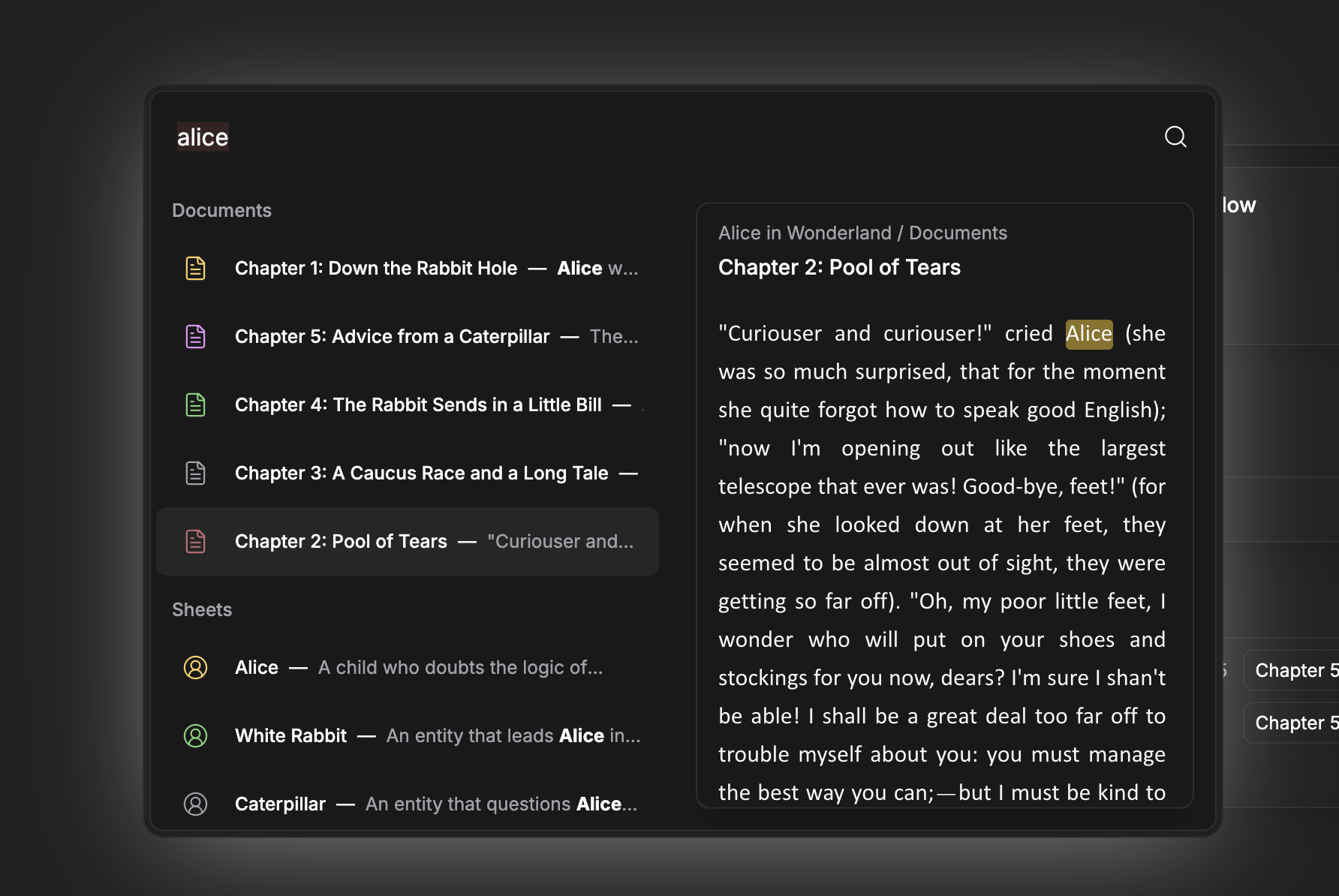
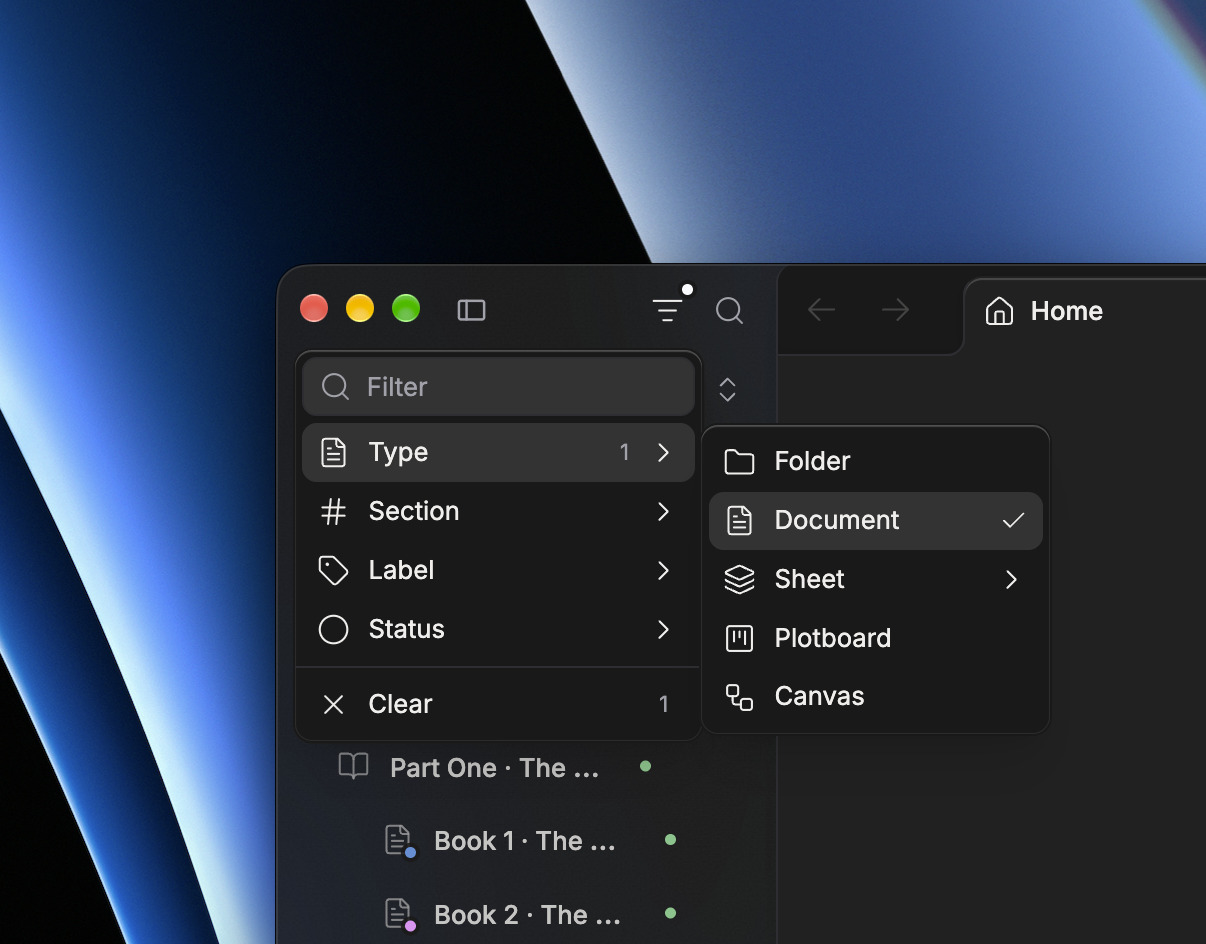
The filter icon at the top of the sidebar narrows the project tree. Type part of a title, or pick from the facets:
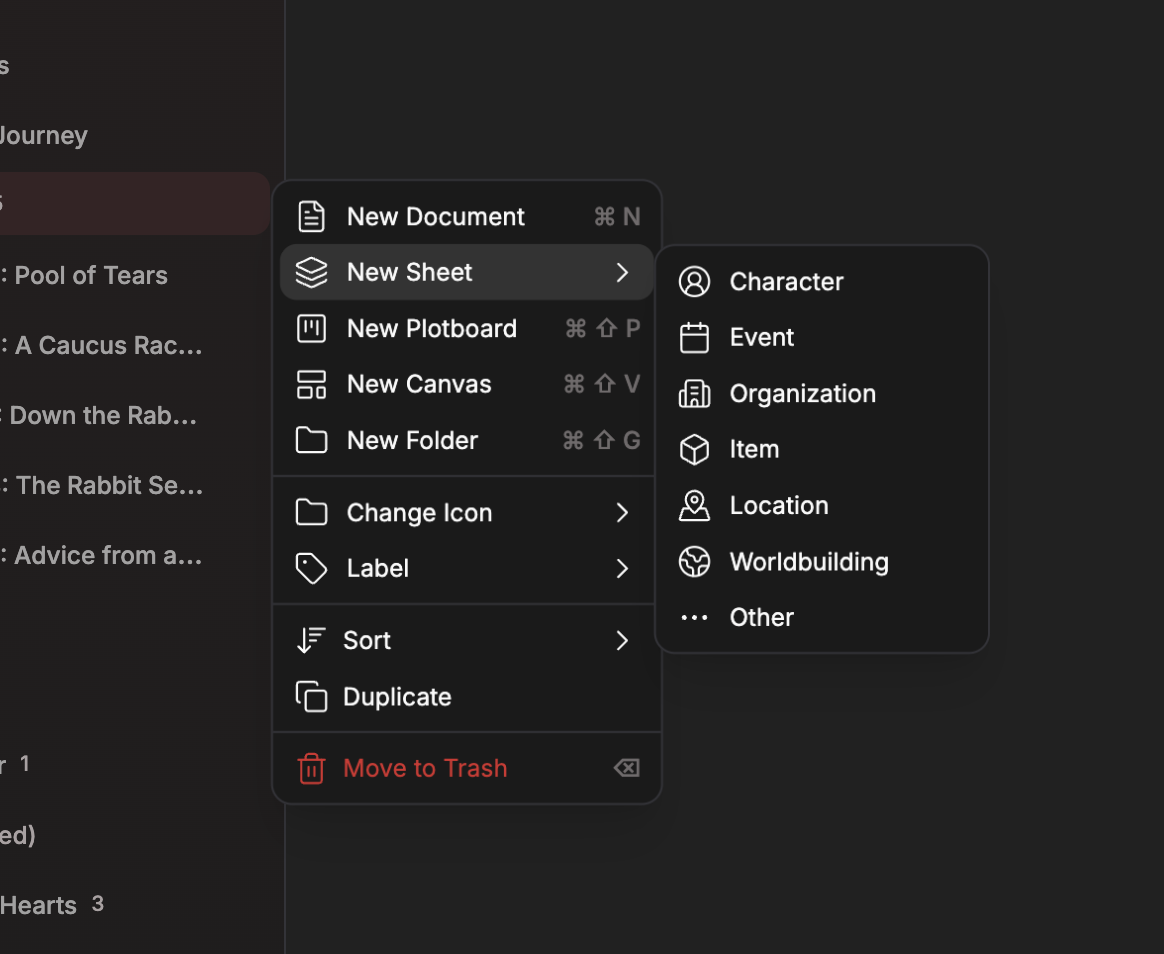
- Type — folders, documents, sheets, plotboards, and canvases. Sheets open into their categories: character, event, organization, item, location, worldbuilding, and other.
- Section — the project section and any sections you've added.
- Label and Status — the ones you've set on your files.
Values within one facet match either; different facets must all match. Picking Document and Character under Type shows your documents and your character sheets together, and adding a status then keeps only the ones in that status.
The filter reaches every level of the tree. A folder stays in view when something inside it matches, and opens to show it; a section with nothing left in it drops out of the list. The menu stays open while you pick across facets, and the filter stays on after you close it — a dot on the icon shows the tree is filtered, and Clear turns it off.
A filter only changes what the sidebar shows. Nothing is moved, reordered, or relabeled, and each project keeps the filter you left it with. On mobile the filter opens as a bottom sheet.
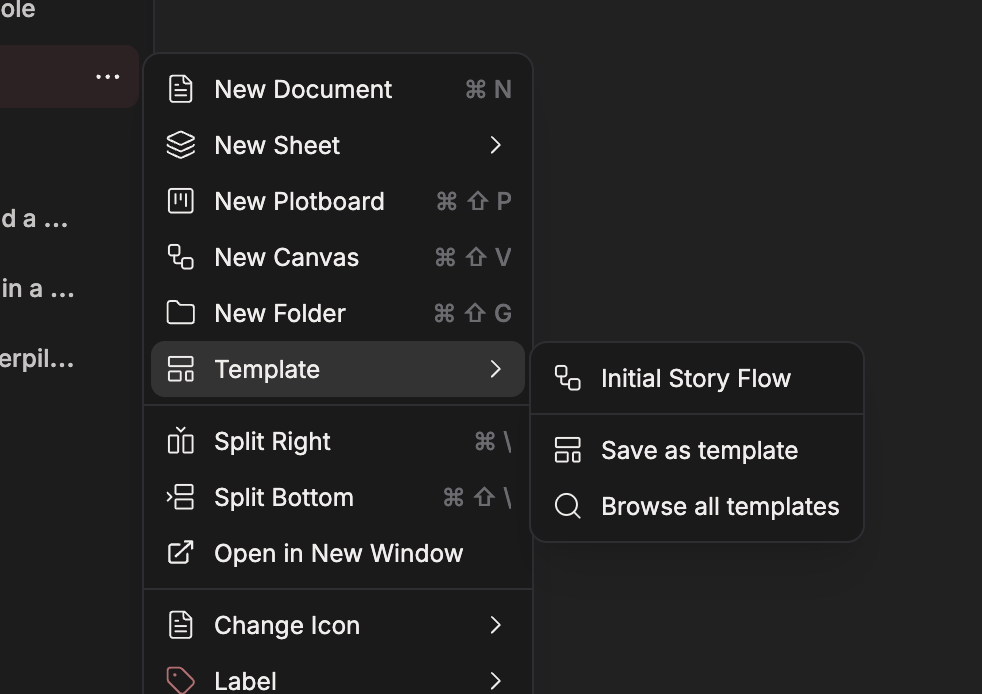
Move to Section is also new on the right-click and ⋯ menus on desktop.
Pinned files
Pinned files
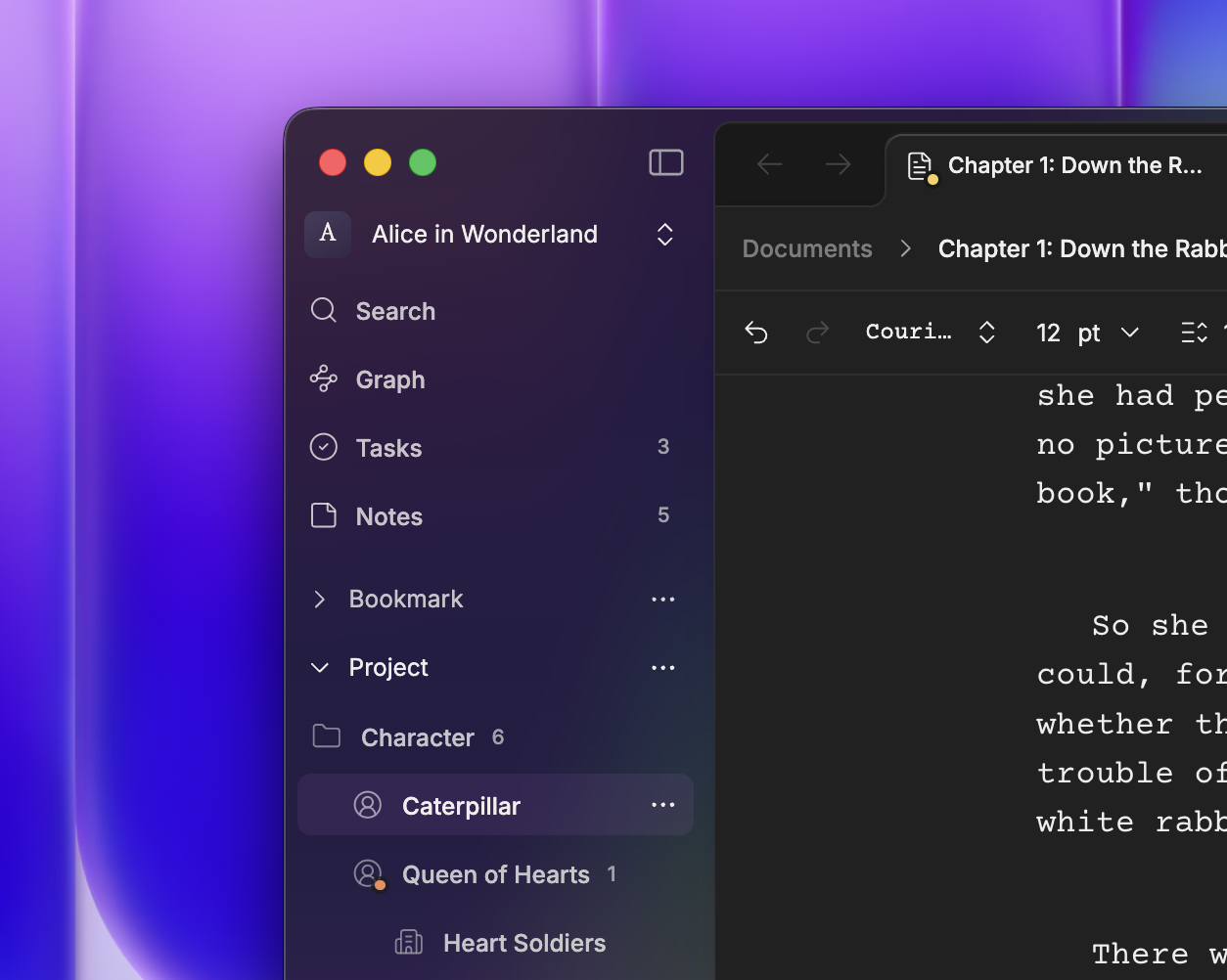
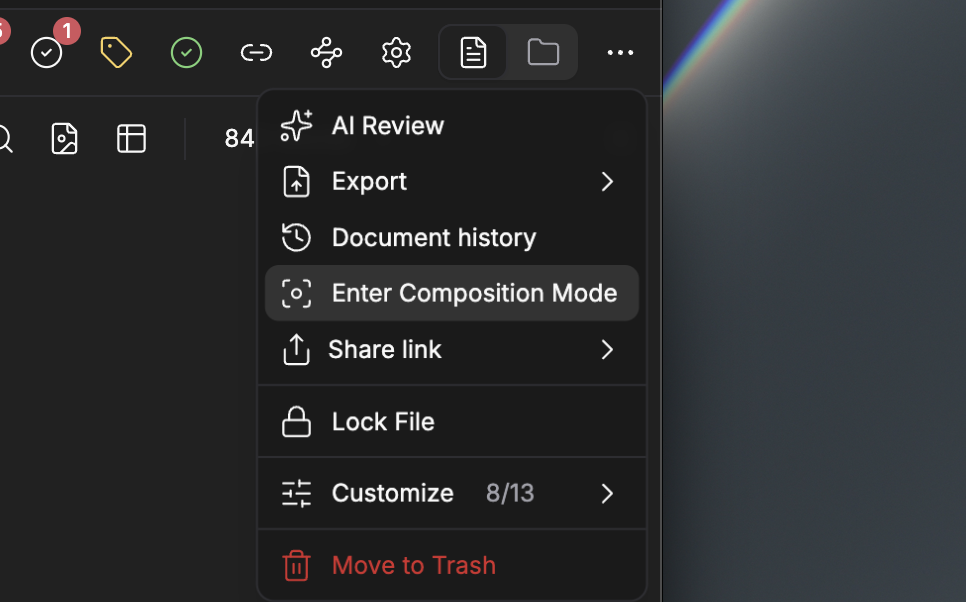
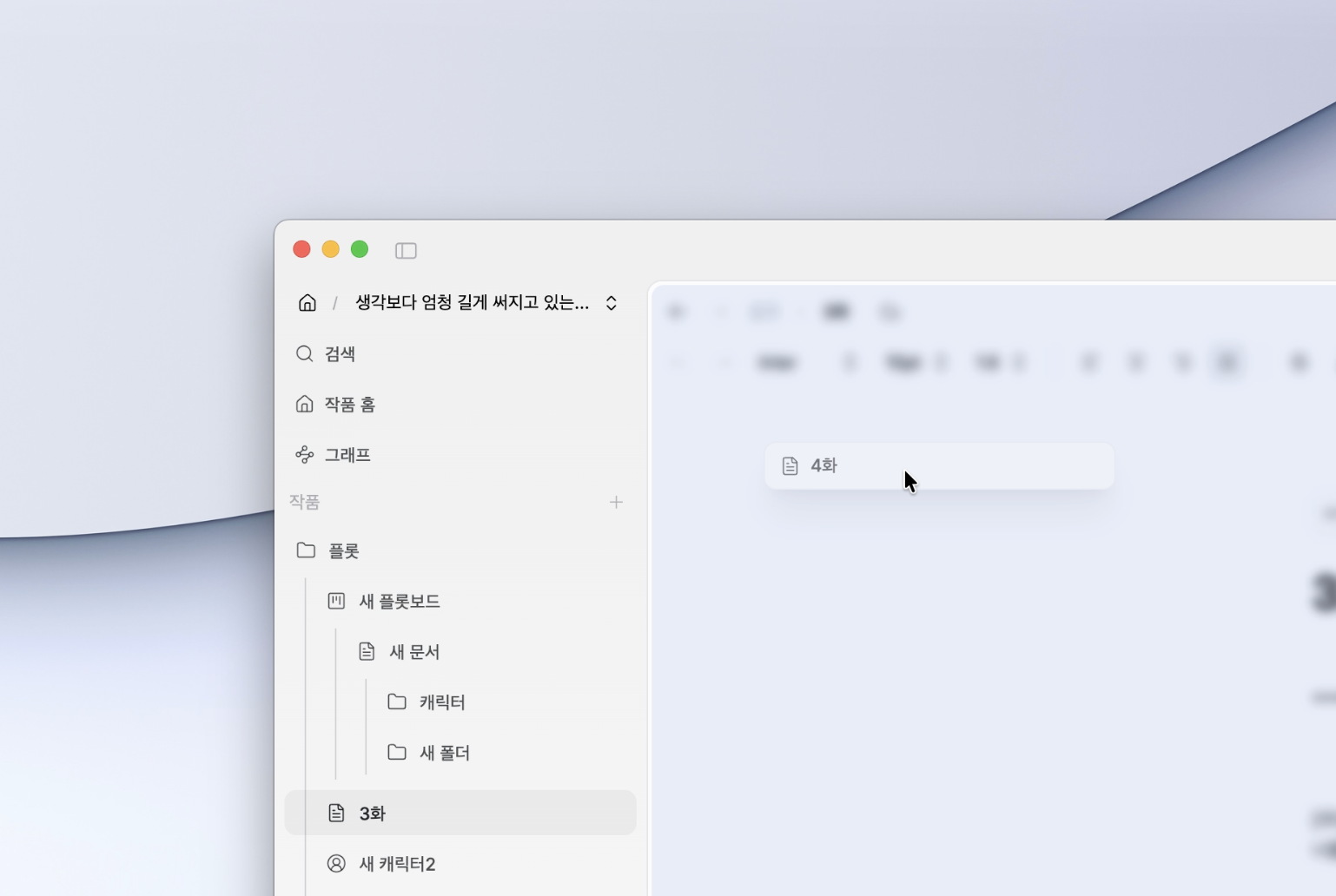
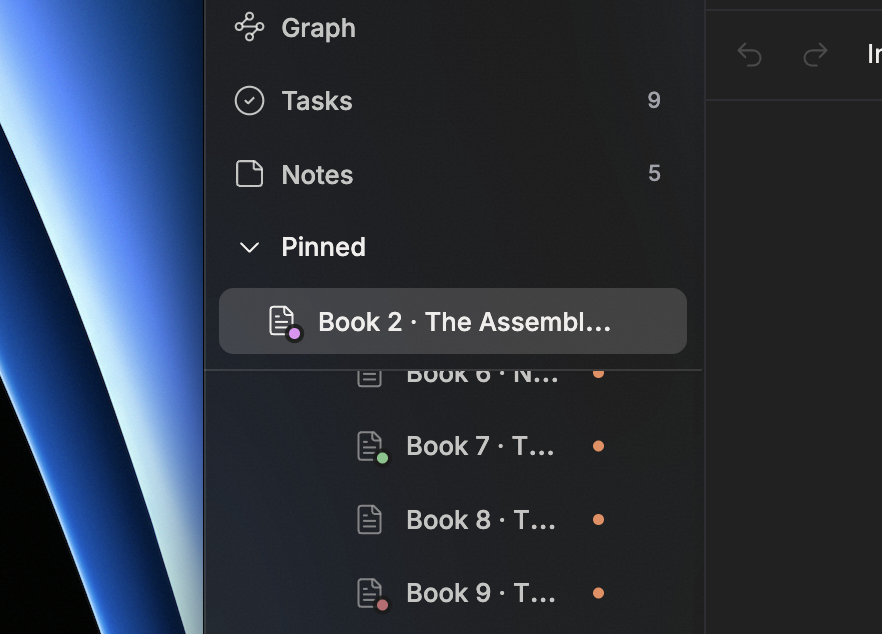
Pin to Sidebar puts a file in a Pinned list at the top of the sidebar. It's on a file's right-click and ⋯ menus, and in the header's more-actions sheet on mobile. Select several files to pin them in one go; new pins land at the top.
- Reorder — drag within the Pinned list.
- Pin by dragging — drop a file from the tree into the list.
- Unpin by dragging — drag a pinned file out of the list.
The list folds away under its header when you need the room for the tree.
Pins are yours. Collaborators on the project don't see them, and they follow you to your other devices. A pinned file sent to the trash keeps its pin and gets it back when restored; deleting the file for good removes the pin.
Folding headings
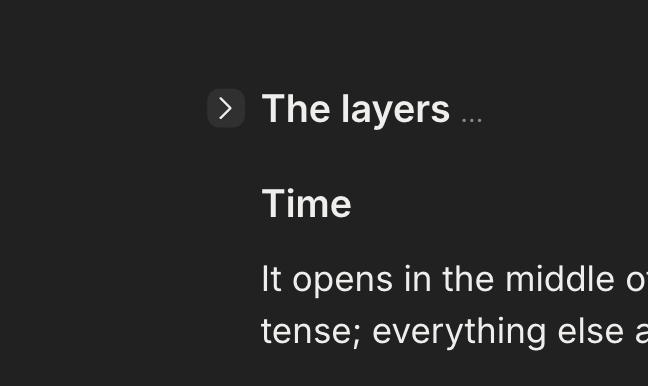
Folding headings
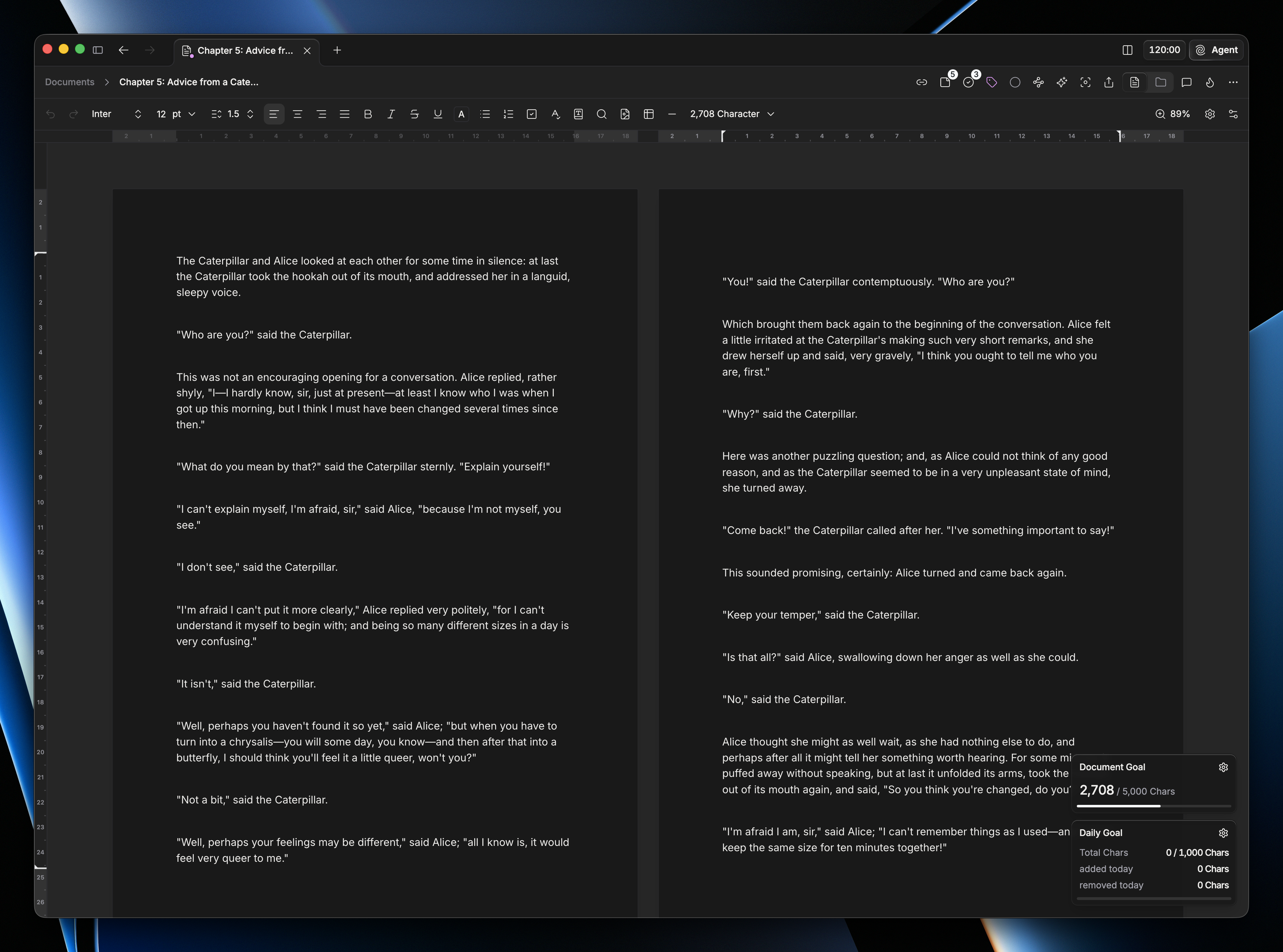
Headings in documents and sheets now fold. The chevron beside a heading hides everything under it, down to the next heading of the same or a higher level, and a folded heading ends in an ellipsis that opens it again. On mobile the chevron stays on folded headings and on the heading your cursor is in.
Each document and sheet reopens with the folds you left in it. Folding isn't an edit: it isn't written into the document, doesn't enter undo, and doesn't sync. Moving the cursor into a folded section opens it.
Jumping to a heading from the table of contents now stops a little short of the top edge and briefly highlights the heading you landed on.
Images
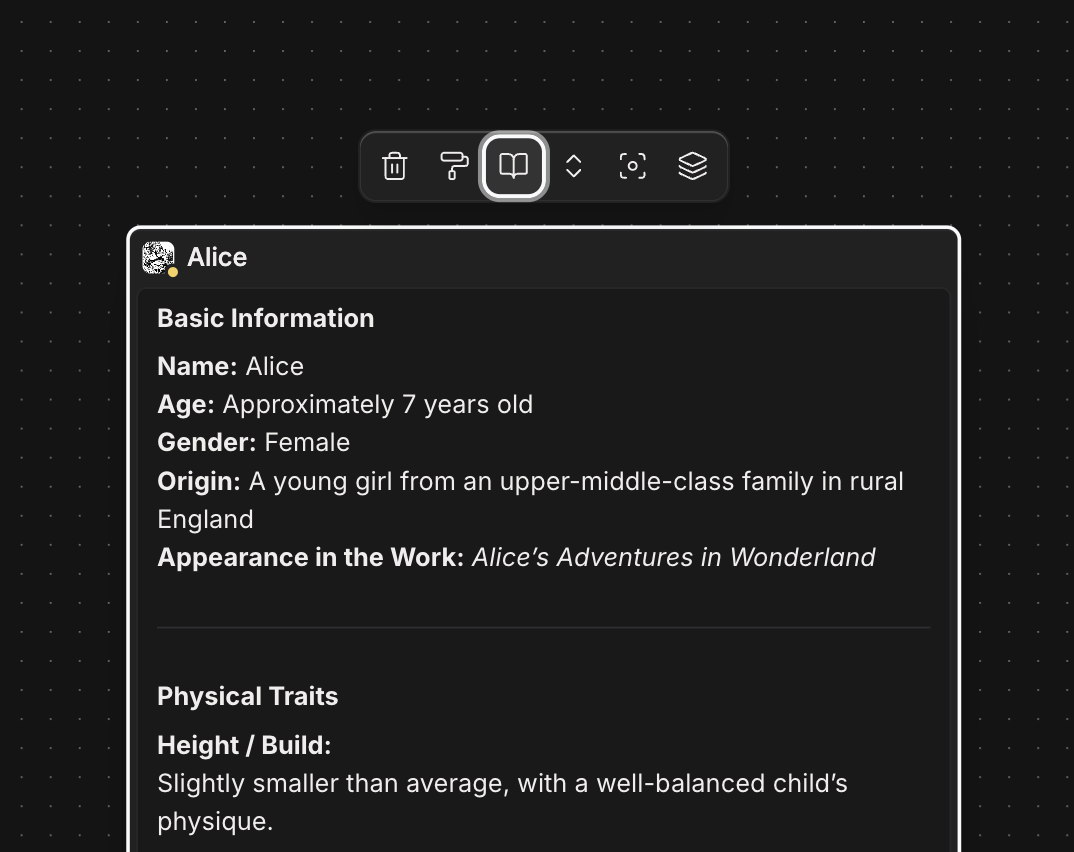
Download image saves a picture out of a document, an image row, or a canvas. On desktop it's on the image's hover bar and on a new right-click menu on the picture itself — download, replace, remove — and next to Replace on canvas image nodes. On mobile it saves to Downloads on Android and opens the share sheet on iOS. Download works in read-only views and on locked canvases too.
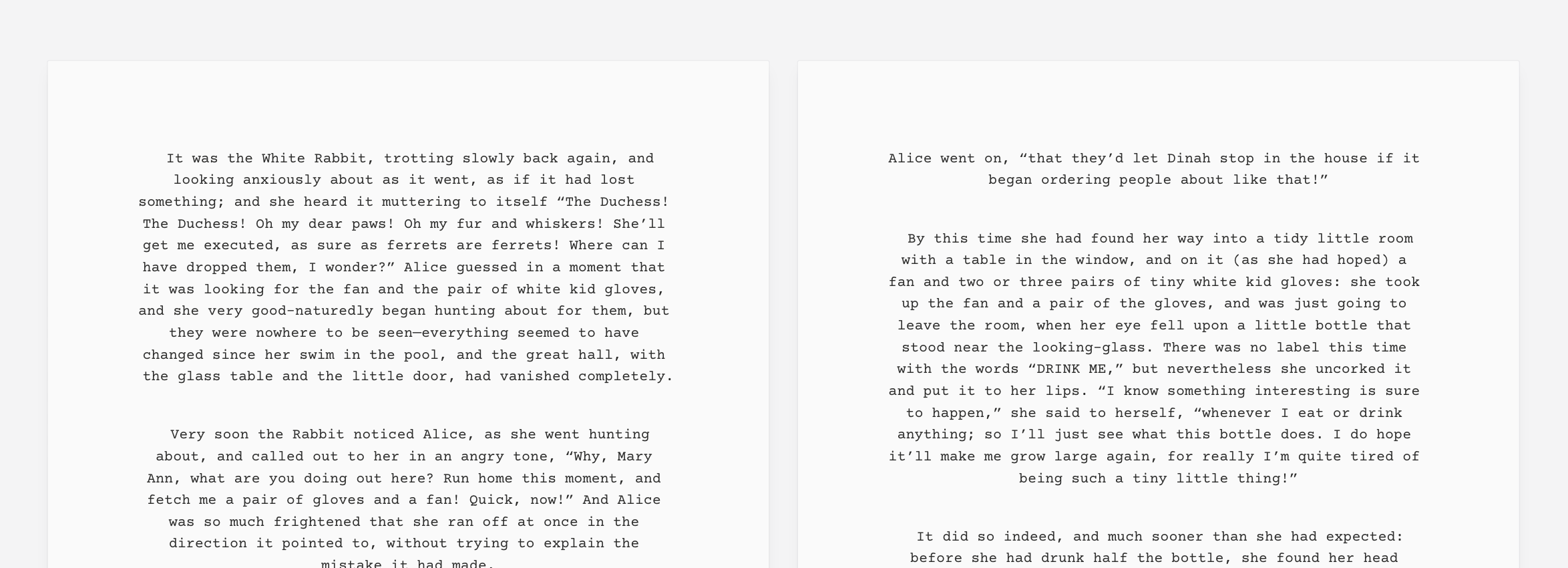
An image in a row can be taken back out: drag it up or down clear of the row, or use its toolbar button, and it goes back to being an image on its own line. Image rows export to Word as a borderless table that keeps each image's proportions.
- Sidebar filter by title, type, sheet category, section, label, and status — a bottom sheet on mobile
- Move to Section on the right-click and ⋯ menus on desktop
- Pin to Sidebar and a Pinned list at the top of the sidebar, with several files pinned at once
- Drag to pin, reorder, and unpin
- Folding headings in documents and sheets
- Download image on document images, image rows, and canvas image nodes
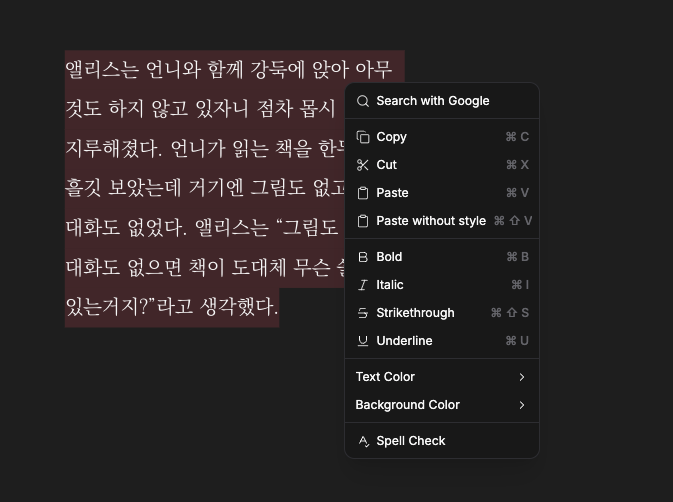
- A right-click menu on document images: download, replace, remove
- Take an image back out of an image row
- Sidebar style on tablets: Overlay, or Docked beside your work
- Timeline orientation toggle in the header
- KoPubWorldDotum font
- Claude Opus 5.5, Claude Sonnet 5.5, Claude Fable 5.1, GPT-5.6 Terra, and GPT-6 Astra in the agent's model picker
- New icons in the file icon picker
- What's new on mobile, as swipeable highlight cards
- Jumping from the table of contents leaves room above the heading and highlights it
- Timeline lane labels lift above the cards that scroll under them
- Draw tools remember your last stroke, color, and fill for the next shape
- Exports on Android ask where to save, starting in the last folder you used
- Image rows export to Word as a borderless table
- Text highlights have their own brighter colors in dark mode
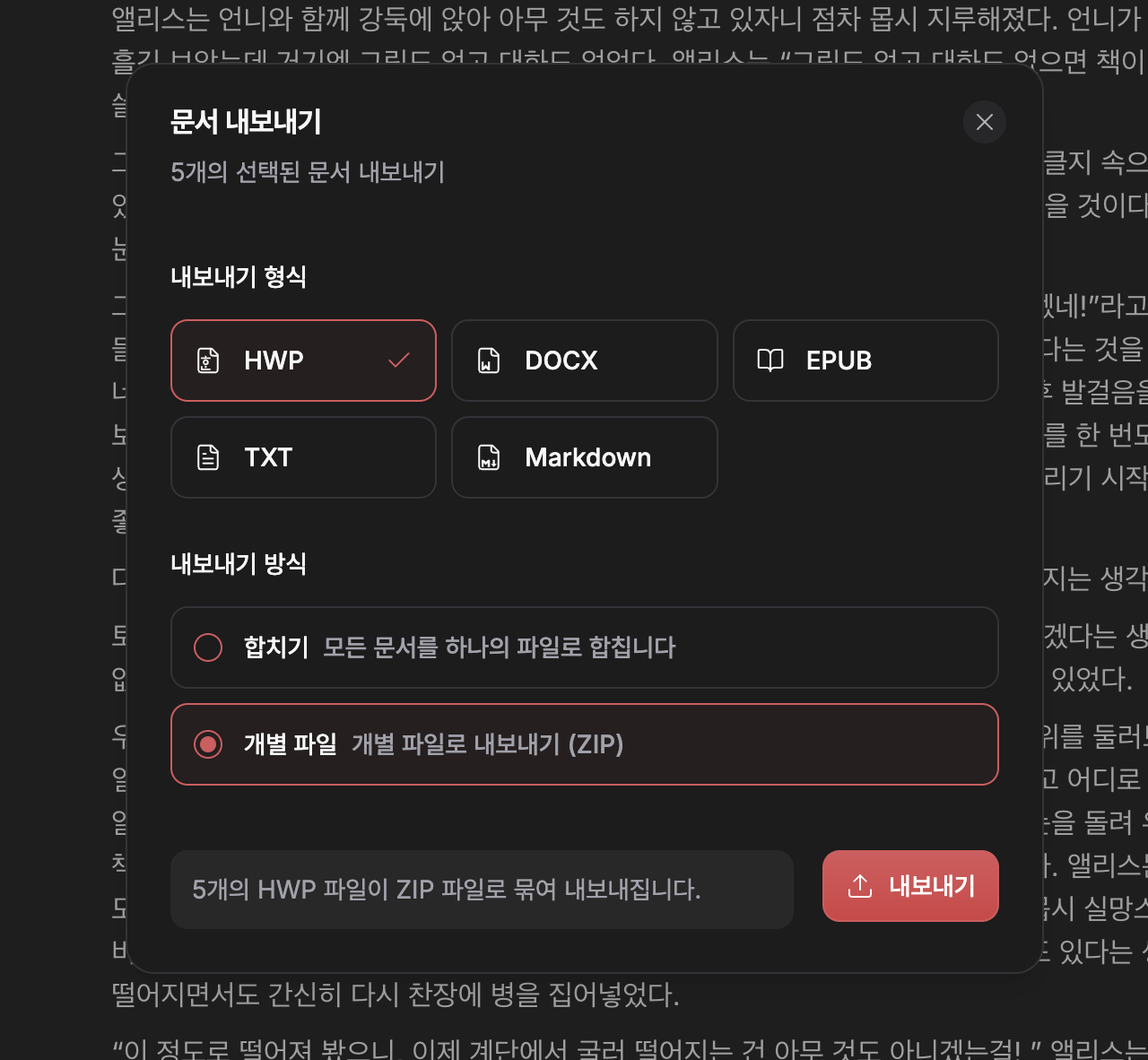
- HWP export finds imported fonts under their localized names
- Canvas edge labels sit above their edges, and arranging nodes leaves room for them
- A document too large to back up is named in a notice, with how to fix it
- Settings changed on another device are picked up when you come back to the app
- Project search on mobile opens full screen
- The agent reads tables in documents as tables, and its edits rebuild only the blocks they touch
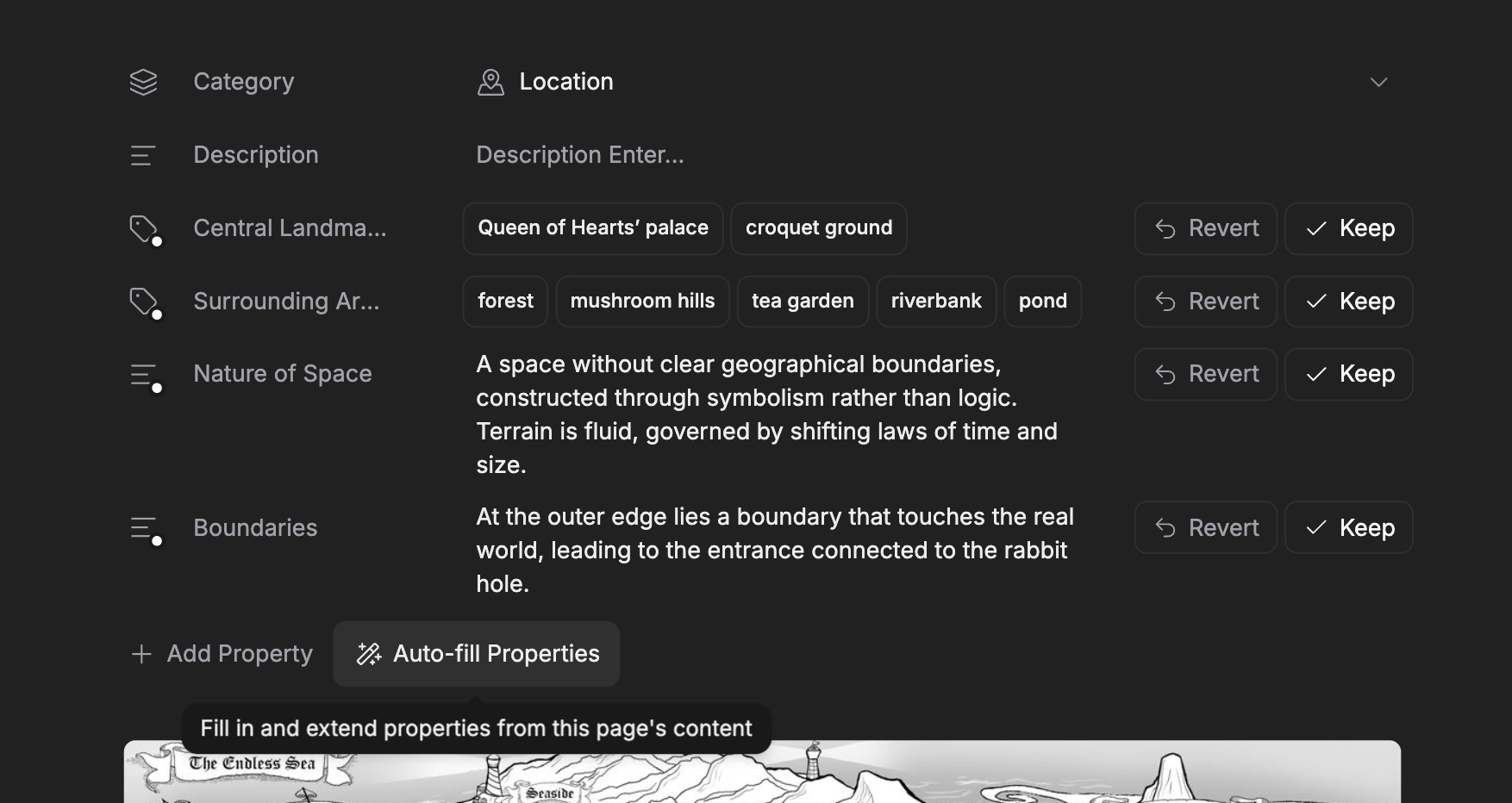
- Autofill reads hidden sheet rows as context without proposing values for them
- Templates are only offered where they can be created
- Edits are no longer lost when the local database is briefly busy
- Dragging text from one editor into another no longer crashes the page
- On iOS, AI review no longer fills local storage until settings stop saving
- Pasting from Word or Excel pastes the content instead of a picture of it
- Printing a document includes its images instead of leaving blank gaps
- Ctrl and the scroll wheel no longer shift the page sideways when the zoom can't change
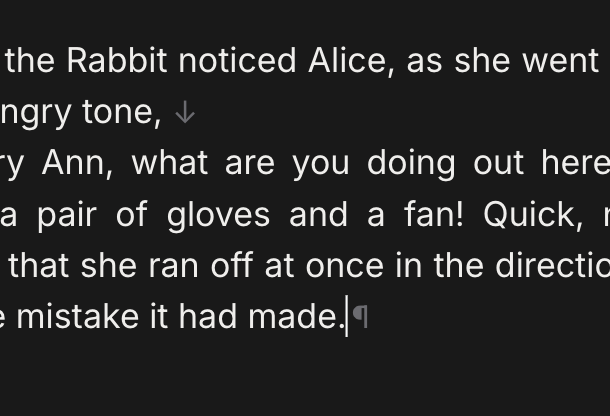
- The ¶ formatting mark no longer pushes the last line of a paragraph onto a new line
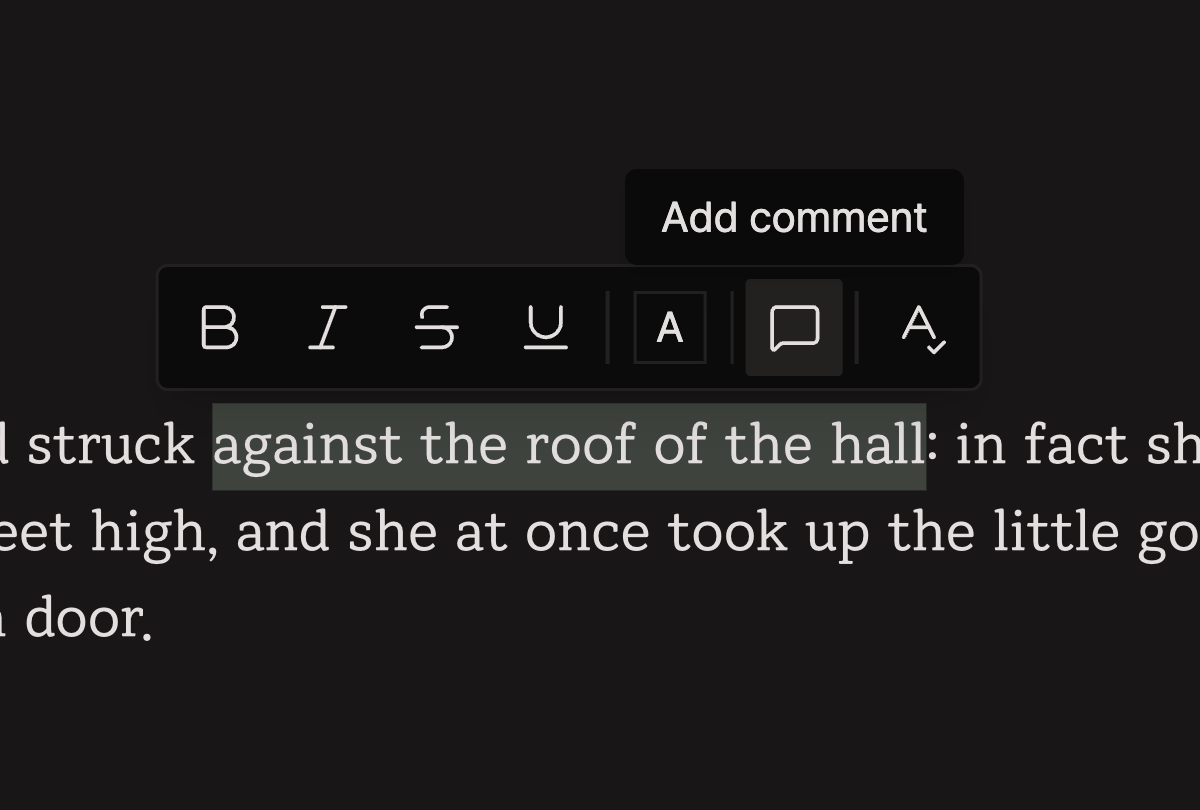
- The right-click menu acts on the selection you right-clicked, even if it changed before the menu opened
- Clicking a link with a malformed URL no longer throws an error
- Signing out cancels requests still in flight, so the previous account isn't restored
- Sign-in opens correctly on iPad
- Database recovery tries a fresh connection first, keeping edits that haven't synced yet
- The sidebar collapse button lines up in macOS full screen
- The sidebar filter is kept per project on each device. It doesn't sync, and it never changes what collaborators see.
- The filter checks every level on its own: filtering to documents inside a document that has child sheets shows only its child documents.
- A folder that matches the filter keeps the open or closed state you left it in. Only folders kept to show a match inside them are opened for you.
- Pins are personal. They sync across your own devices but are not shared with the project's collaborators.
- Folds are remembered on the device where you made them. Export, print, and read-only views always show every section open.
- Folding is off in page view, and your folds come back when you leave it. Only top-level headings fold — a heading inside a quote or a list doesn't.