Back to Plugins
Keep writing, or lose it all
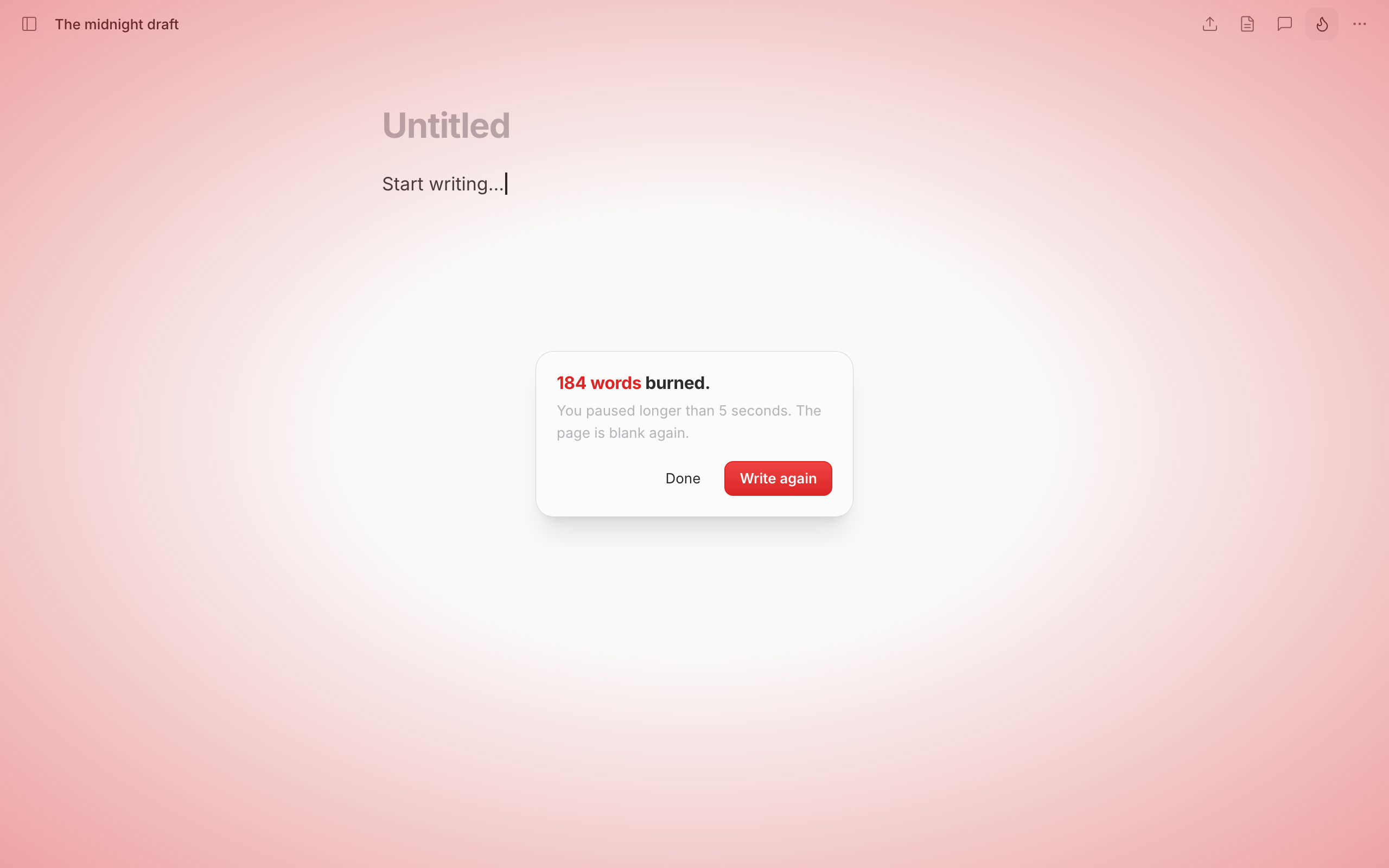
Dangerous Writing turns your blank page into a high-stakes sprint. Arm your open document, then keep typing. The moment you pause for too long, a fuse burns down, and when it hits zero everything you've written is erased. There is no undo.
It's the antidote to the inner editor: when deleting your own words is off the table because stopping deletes them for you, you stop second-guessing and just write.
Inspired by Squibler's Dangerous Writing Prompt App, rebuilt natively for pensiv so it arms your real document, right where you write.
Usage
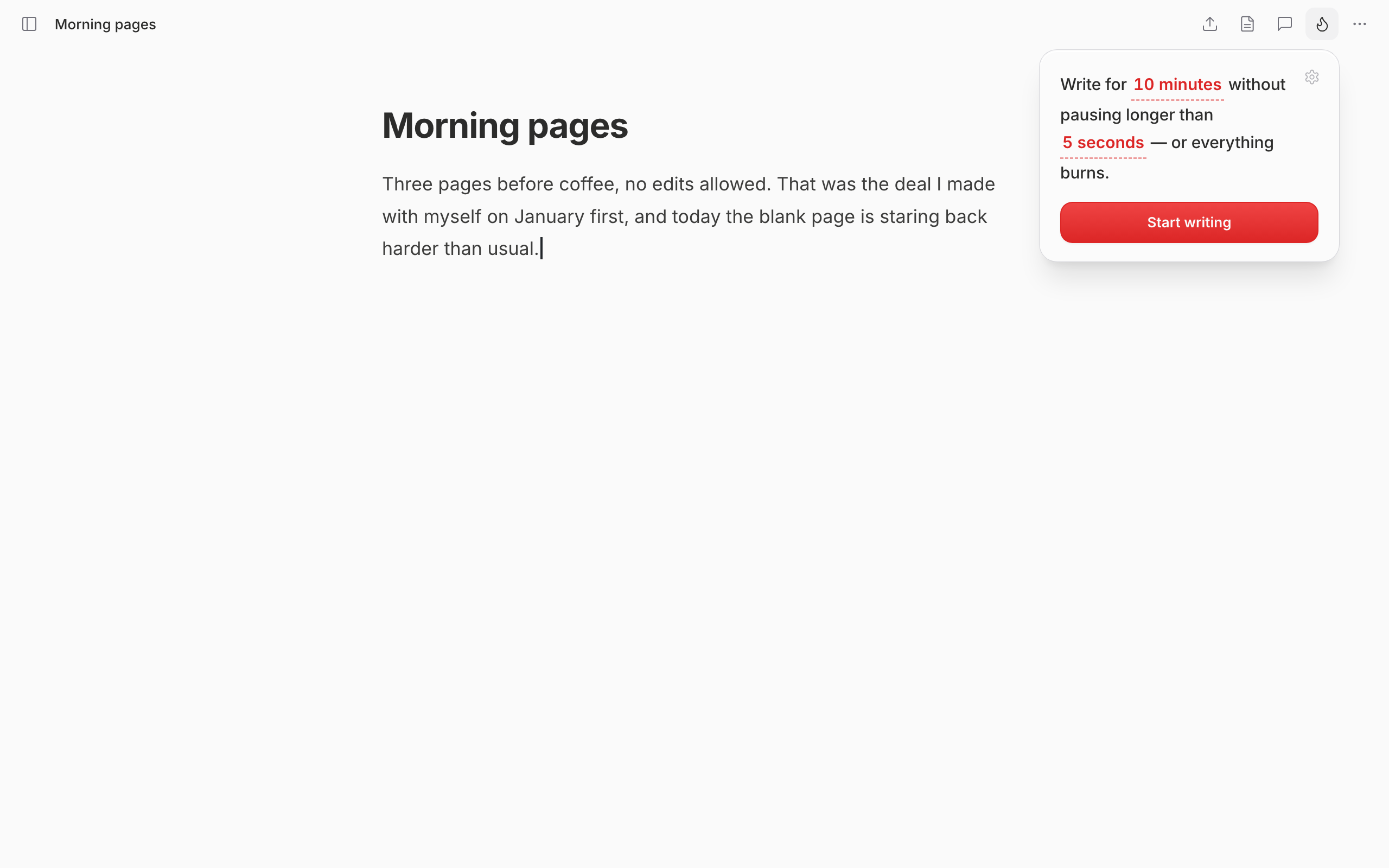
- Open a document and hit the 🔥 button in the toolbar.
- Pick a goal: survive for a set time, or reach a word count.
- Start writing, and keep the fuse alive by never pausing too long.
- Reach your goal and your words are safe. Stall out and the page is wiped.
Features
- Two goals: outlast a timer or hit a word target
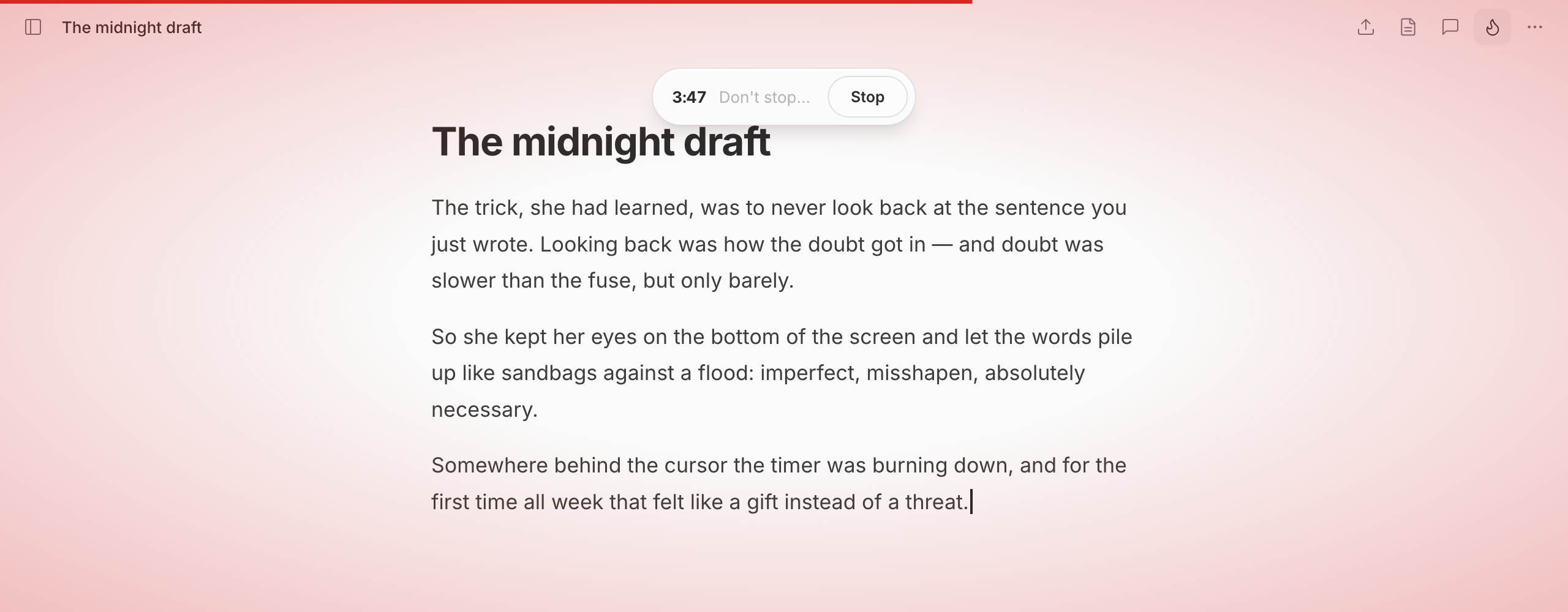
- Adjustable fuse: set how long you can pause before the wipe (3–10s)
- Hardcore mode: a shorter fuse and almost no warning
- Clipboard lock: block copy and paste for the run — no stashing a backup of the page you might burn, and no filling a word goal with text you never wrote. Block both (the default), block pasting only, or allow both
- Full-screen tension: the screen reddens as the fuse burns
⚠️ Warning
This plugin permanently erases your open document if you stop typing too long. There is no undo. Use it on a scratch draft, not your only copy.