
Unit Converter
Length, weight, area, volume, temperature, speed and time, docked in the side pane of every file type, and as an optional floating widget. Including the units period fiction is actually written in.
Features
- Seven categories, with the pair of units remembered per category
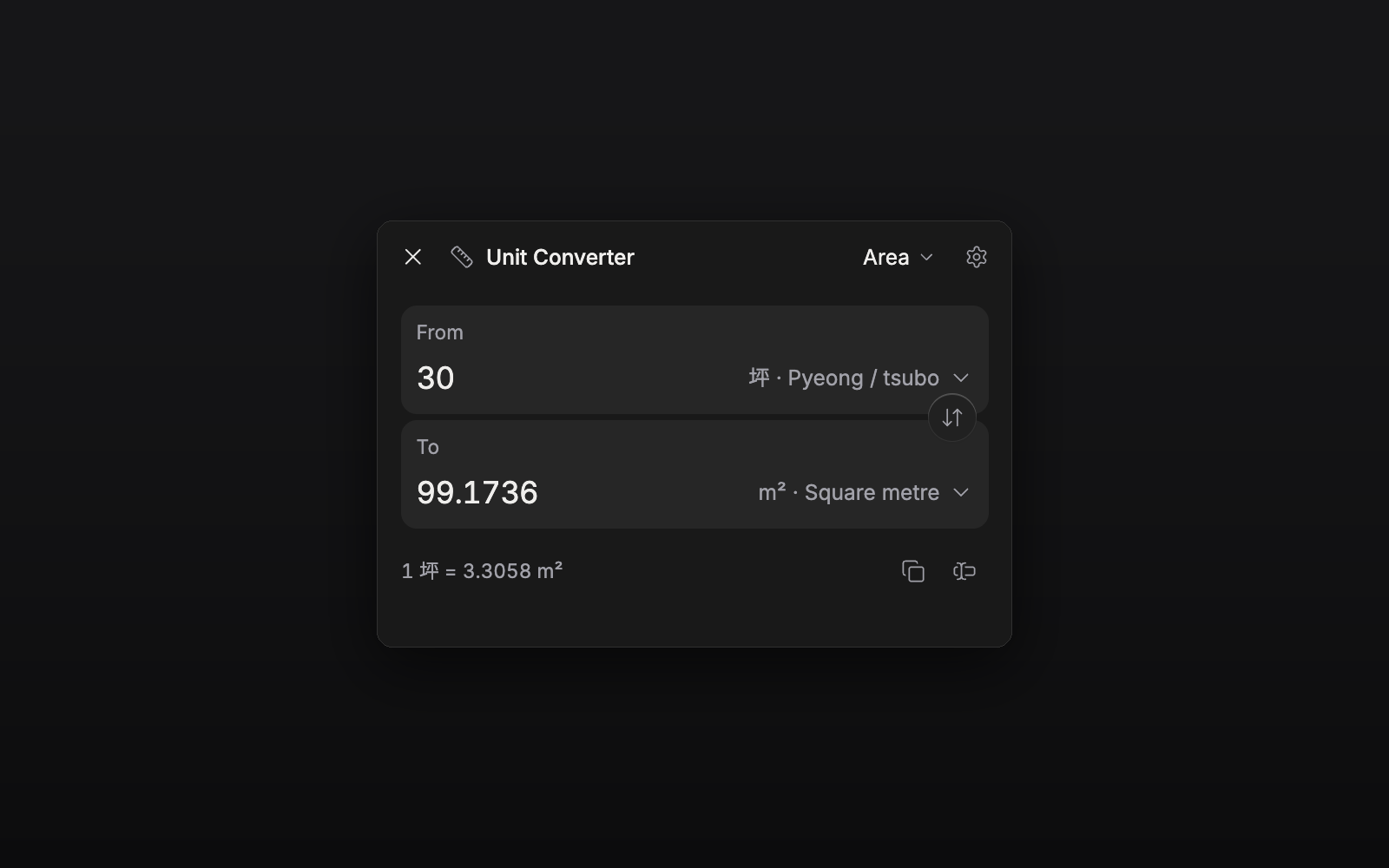
- Old East Asian units (척관법 / 尺貫法): 尺 · 寸 · 間 · 里 (Korean and Japanese), 斤 · 錢 · 貫, 坪 · 段 · 町, 홉 · 되 · 말. Switchable off in one toggle, and convertible straight to their modern neighbours (평 → m² in one step)
- Temperature handled properly (°C / °F / K have different zero points, not a ratio)
- A rate line under the result (
1 mi = 1.6093 km), so the conversion is checkable - Swap the units and the number comes with them
- Copy or insert into the open document or sheet: the result, the number
alone, or both sides (
5 mi = 8.0467 km) - The same conversion everywhere: side pane, floating widget, and the tray chip and bottom sheet on phones
- Command:
Unit Converter: Toggle floating widget
Usage
Enable the plugin and a converter toggle appears in the header of every file: document, sheet, plotboard, canvas, folder view or task. Click it and the converter docks in that file's side pane, beside the editor. Pick a category, type a number; it stays there while you write the line it belongs in.
Prefer it floating over the text? Settings → Unit Converter → Show floating widget, or run the toggle command. Both surfaces share one conversion.
Precision, whether the old units are offered, and what the insert button writes live in the same settings tab.
For the old units, the 1891 Japanese standardisations are used (Korea shared them administratively from 1902). Earlier regional 尺 differ, so a novel set before that should treat them as an approximation.